

If you want to enjoy your favorite YouTube videos at any time, but you do not have a data plan or your plan is limited, you can use the Vdownload application to download them to your iPhone or iPad when you have access to a WiFi connection. Then, you can play them whenever and wherever you want, without having to connect to the Internet.
How To Download YouTube Videos to iPad and iPhone
The first thing that you need to do to download YouTube videos to your iOS device is to download and install the Video Downloader Lite Super – Vdownload app. After installation, open the application, press the Browser button, and enter m.youtube.com:
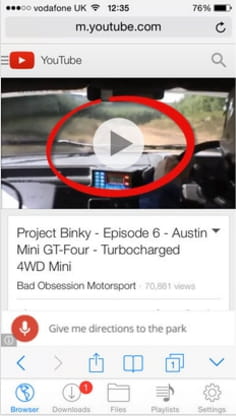
On the YouTube page, click the magnifying glass, find the video that you want to download, and play it. In the playback window, press the icon that looks like a cassette, and select Download:
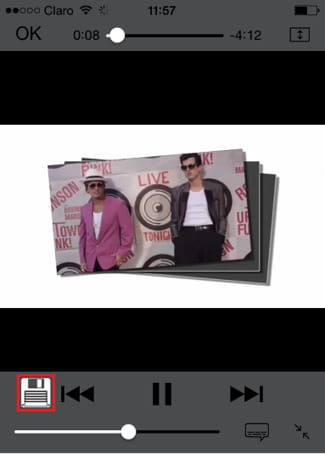
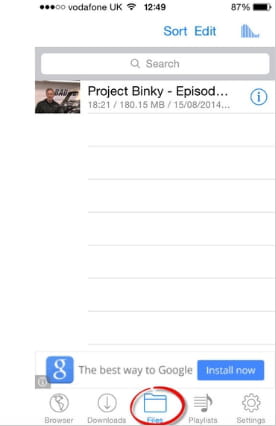
Press OK to close the playback window. In the application, click the Files button to find the downloaded video. Press play to play it:
More Read