



The world of Android security is under siege by a new and dangerous threat: Android malware ‘Crocodilus’. This highly sophisticated malware is capable of infiltrating devices, stealing sensitive data, and even taking control of key system functions. With millions of Android users worldwide, the spread of Crocodilus is alarming and poses a serious risk to personal and corporate security.
In this guide, we will explore what Crocodilus is, how it operates, signs of infection, methods for removal, and most importantly, how to protect your Android device from future malware attacks. If you want to keep your smartphone safe from cybercriminals, read on.
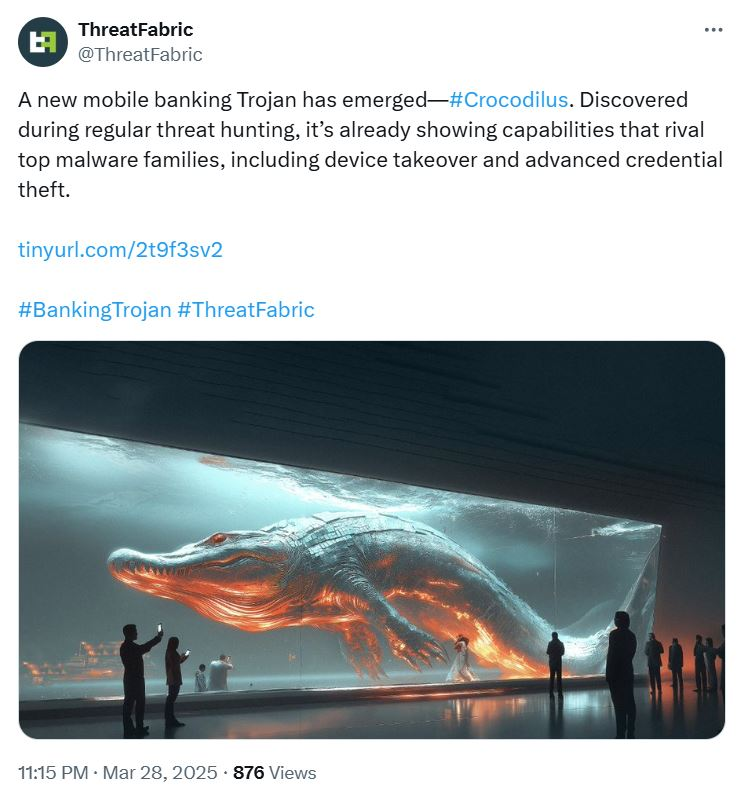
What is Crocodilus and How Does it Work?
Crocodilus is a form of Android malware that operates as a Trojan, often disguising itself as a legitimate app to trick users into installing it. Once inside the device, it can:
- Steal personal and financial information.
- Capture keystrokes and login credentials.
- Send premium-rate SMS messages without user consent.
- Disable security features, making removal difficult.
- Install additional malicious payloads to deepen its control over the system.
Crocodilus is often spread through:
- Fake app stores and unofficial APK downloads.
- Phishing emails and text messages containing malicious links.
- Infected software updates masquerading as legitimate ones.
Signs Your Android Device is Infected with Crocodilus
If your Android device has been compromised, you may notice:
- Unusual Battery Drain: Malware running in the background consumes power.
- Slow Performance: The device becomes sluggish due to unauthorized processes.
- Unfamiliar Apps: Apps you didn’t install appearing on your home screen.
- Excessive Data Usage: Malicious activity can consume high amounts of data.
- Pop-ups and Redirects: Frequent ads and browser redirects indicate malware presence.
If you recognize any of these symptoms, immediate action is required.

How to Remove Crocodilus from Your Android Device
Follow these steps to get rid of Crocodilus:
1. Boot into Safe Mode
This prevents malware from running during the removal process.
- Press and hold the Power button.
- Tap and hold Power off until the “Reboot to safe mode” option appears.
- Select it and wait for your device to restart.
2. Uninstall Suspicious Apps
- Go to Settings > Apps & Notifications.
- Look for unknown or recently installed apps.
- Select the app and tap Uninstall.
3. Clear Cache and Data
- Go to Settings > Storage > Cached Data.
- Tap Clear Cache to remove temporary malware files.
4. Run an Antivirus Scan
Use a reputable security app like:
- Malwarebytes Mobile Security
- Bitdefender Mobile Security
- Avast Mobile Security
5. Reset Your Device (If Necessary)
If the malware persists, perform a factory reset:
- Backup your important data.
- Go to Settings > System > Reset options > Erase all data (factory reset).
- Confirm and wait for the process to complete.
How to Prevent Future Malware Infections
Prevention is the best defense against Crocodilus and similar threats. Follow these best practices:
1. Download Apps Only from Trusted Sources
- Use the Google Play Store instead of third-party sites.
- Read app reviews and check developer details before installing.
2. Keep Your Device Updated
- Regularly update your Android OS and apps to patch vulnerabilities.
3. Enable Google Play Protect
- Go to Google Play Store > Play Protect and ensure it’s turned on.
4. Be Cautious of Links and Attachments
- Avoid clicking suspicious links in emails, SMS, or social media messages.
5. Use a Reliable Security App
- Install mobile security software to detect and block threats in real-time.
The Impact of Crocodilus on Android Users
Crocodilus has already affected thousands of devices, leading to:
- Financial loss due to fraudulent transactions.
- Compromised social media and email accounts.
- Loss of sensitive data, including personal photos and documents.
A report by cybersecurity experts suggests that Crocodilus has been spreading rapidly through fake banking and utility apps, making it one of the most dangerous Android threats in recent years.
Conclusion: Stay Safe from Android Malware
The rise of Android malware Crocodilus is a wake-up call for users to take cybersecurity seriously. By following the steps outlined in this guide, you can detect, remove, and prevent Crocodilus from harming your device and personal data.
Stay vigilant, keep your software updated, and always think before you click!
FAQs About Crocodilus Malware
Q: Can Crocodilus steal my banking details? A: Yes, it is designed to capture keystrokes and login credentials, putting financial accounts at risk.
Q: Is it possible to remove Crocodilus without a factory reset? A: In most cases, yes. Safe mode and antivirus scans should be sufficient. However, if the malware is deeply embedded, a factory reset may be necessary.
Q: How does Crocodilus spread? A: It is mainly distributed through fake apps, phishing emails, and malicious links.
Q: Are iPhones affected by Crocodilus? A: No, Crocodilus specifically targets Android devices. However, iPhone users should still be cautious of phishing attacks.
Q: Will a VPN protect me from Crocodilus? A: A VPN helps encrypt your data but does not directly prevent malware infections. Use it alongside antivirus software for better security.
By staying informed and taking proactive security measures, you can safeguard your Android device against the growing threat of Crocodilus and other malware attacks. Share this article with friends and family to help spread awareness!