



Plex Media Server – Turn your PC into a media server
Plex Media Server allows you to turn your PC into a multimedia server. You can stream content stored on your PC (movies, pictures and music) to other devices having the Plex client app installed:
Contents
- Computers.
- Smart TV (LG or Samsung).
- Smartphones running Windows Phone, iOS or Android.
- Google TV.
Installation and configuration
- Download and install: PlexMedia Server
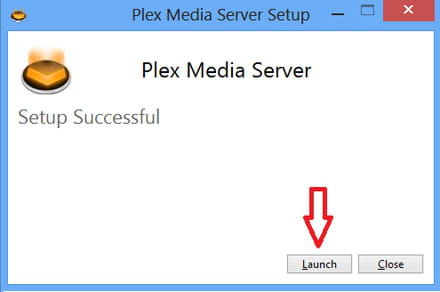
- The installation process is simple and fast. Once the installation is finished, click “Launch” to run Plex.
Add multimedia content to your Plex library
Before you can share the the content stored on your PC, you must first add them to the Plex library.
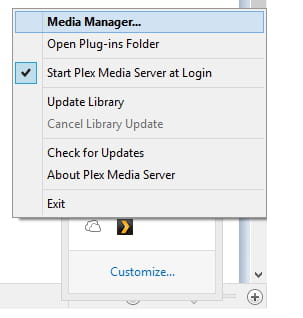
Click on the Plex system tray icon > Media Manager
The Plex web app will open in a new browser tab, from there you can configure and control Plex Media Server.
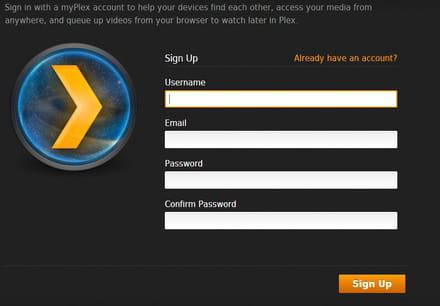
At this point you will need to create a free account on Plex, by entering a username, password and valid email address.
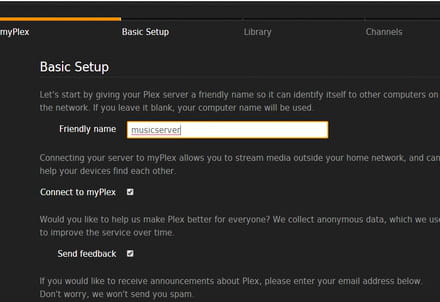
- Give a name to your media server and click on Next.
- Add files to your Library:
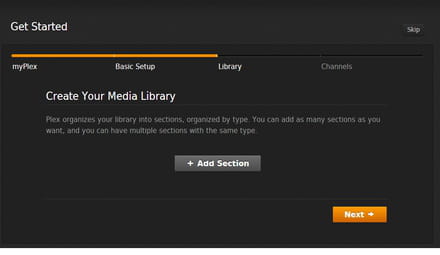
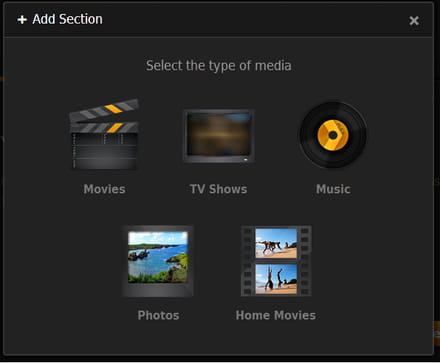
- Select the type of files you want to add and follow the on-screen instructions
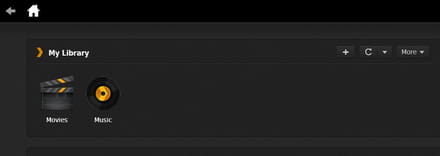
- All of your added content can then be accessed from the different folders of the Plex dashboard.
Once your server is online, your multimedia content can be accessed from other devices (via the Plex client app).





