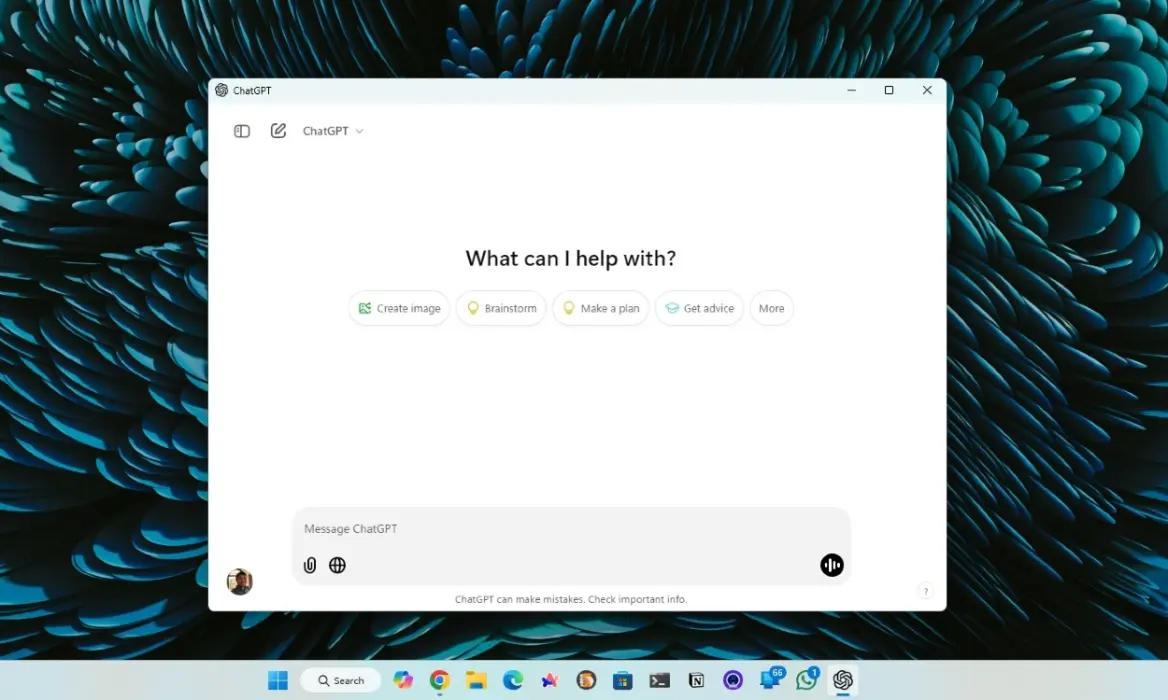
Here are 10 key highlights from the recent update on the ChatGPT Windows app:
- Free for All Users
OpenAI has extended access to the ChatGPT Windows app for both free and paid users, eliminating the need for a subscription. - Wide Compatibility
The desktop app supports both Windows 11 and Windows 10, making it accessible to a broader audience. - New Screenshot Feature
A paperclip icon allows users to quickly take screenshots and ask related questions using ChatGPT. - Customizable Shortcuts
Users can now customize the shortcut for opening the companion window, addressing issues with the default “Alt + Space” shortcut conflicting with tools like PowerToys. - Advanced Voice Mode
Engage in natural conversations on your PC with the newly added Advanced Voice Mode, enhancing the interactive experience. - Limitations Compared to macOS
Unlike the macOS version, which includes a “Work with Apps” feature, the Windows app currently lacks advanced screen-sharing capabilities. - User Feedback Integration
The update reflects OpenAI’s responsiveness to user feedback, such as addressing shortcut conflicts. - Future Updates Expected
OpenAI is likely to integrate advanced features into the Windows version in future updates to match macOS capabilities. - Easy Installation
The app is available on the Microsoft Store, ensuring a hassle-free download and installation process. - Enhanced Usability
OpenAI continues to improve functionality, aiming for a more seamless and productive experience for Windows users.